Follow these instructions to easily integrate Noux with HubSpot CRM
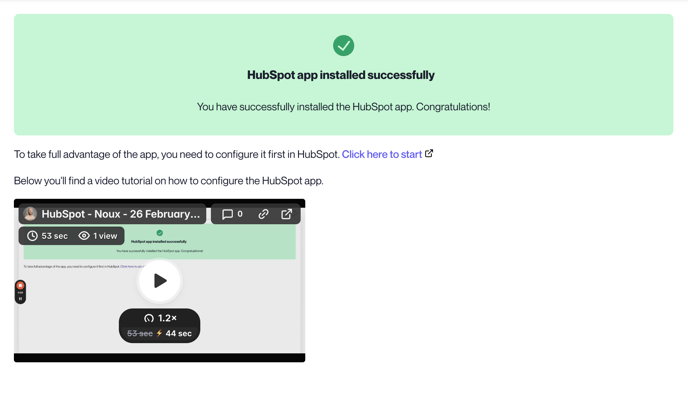
Open https://noux.app/integrations/hubspot Click Install HubSpot app Select HubSpot account Click Choose Account Review app permissions, and click Connect app if you agree. At this point the app should be installed successfully and you should see the view below. Follow the instructions in the video to configure the app in HubSpot.